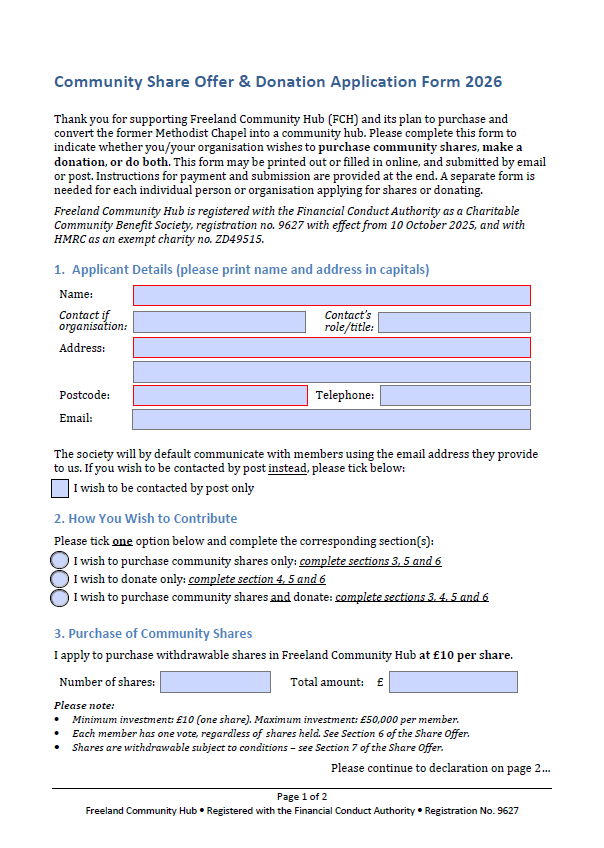
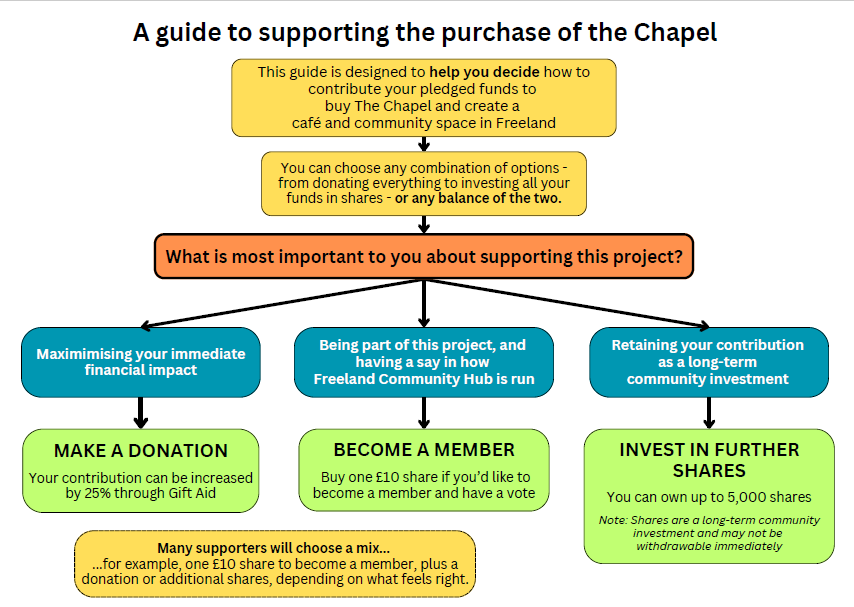
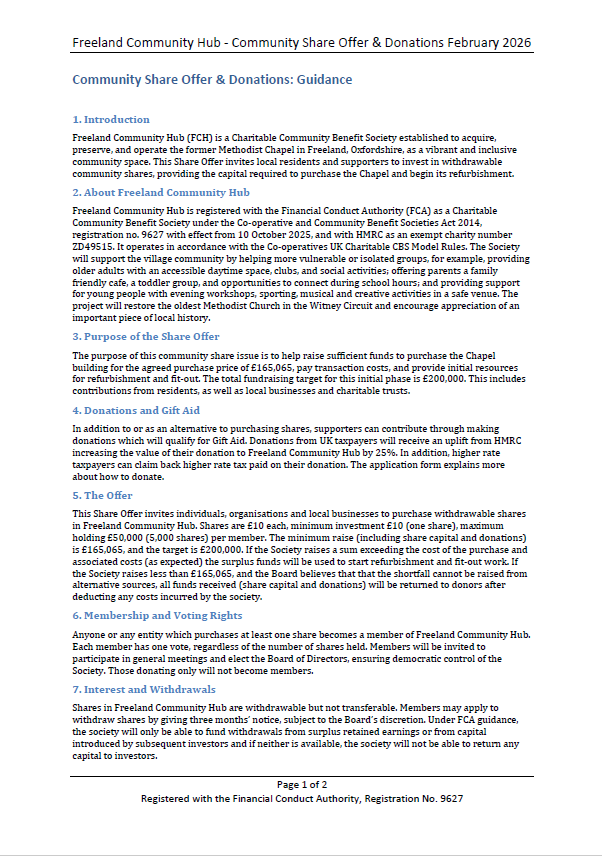
Below are the guidance and forms you need to complete a share purchase or donation. Scroll down to the bottom for the Application Form, which can be downloaded, completed and submittted electronically to finance@freelandhub.org.uk. If you have any queries, don’t hesitate to get in touch via that email address, or through our contact form. You can also use those routes to request paper copies of the information and forms, or pick them up from 11 Broadmarsh Lane or 9 Blenheim Lane.
Important note about signing the form: If you are completing the form on your computer, follow these steps to sign where appropriate.
On a computer (Windows/Mac):
- Download the PDF to your device (do not open in the browser).
- Open it using Adobe Acrobat Reader (free).
- Click the signature field.
- Choose Type, Draw, or Image, then complete.
- Click Apply → Save.
- Email the saved PDF back.
On an iPhone / iPad:
- Open the PDF in Files or Mail (not the browser).
- Tap the pen icon → Add Signature.
- Sign with your finger → Done → Save.
On an Android device:
- Open in Adobe Acrobat Reader app.
- Tap the pen icon → Fill & Sign → Create signature.
- Save before sending.